


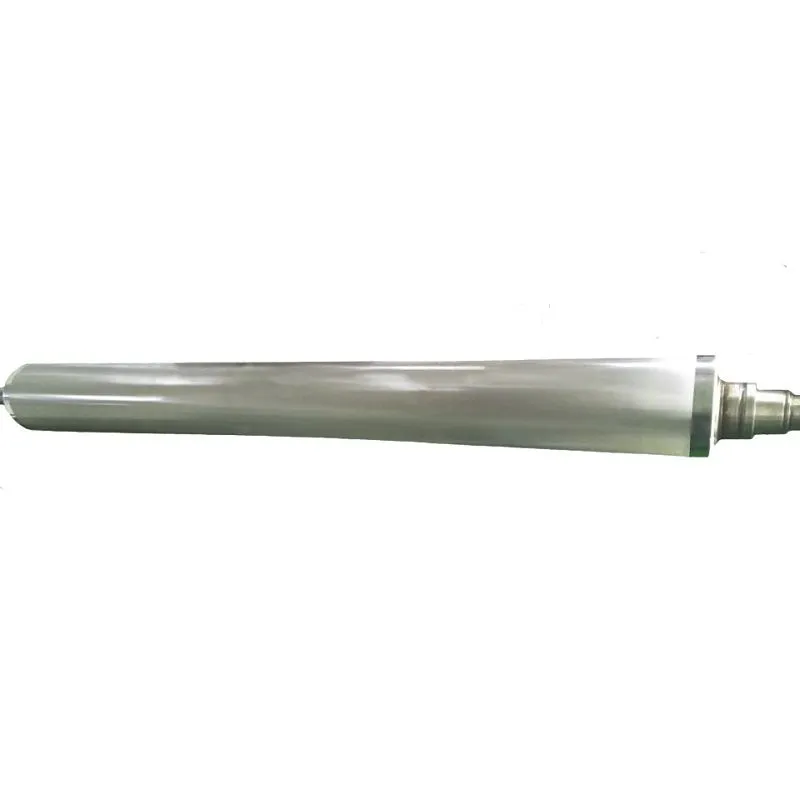
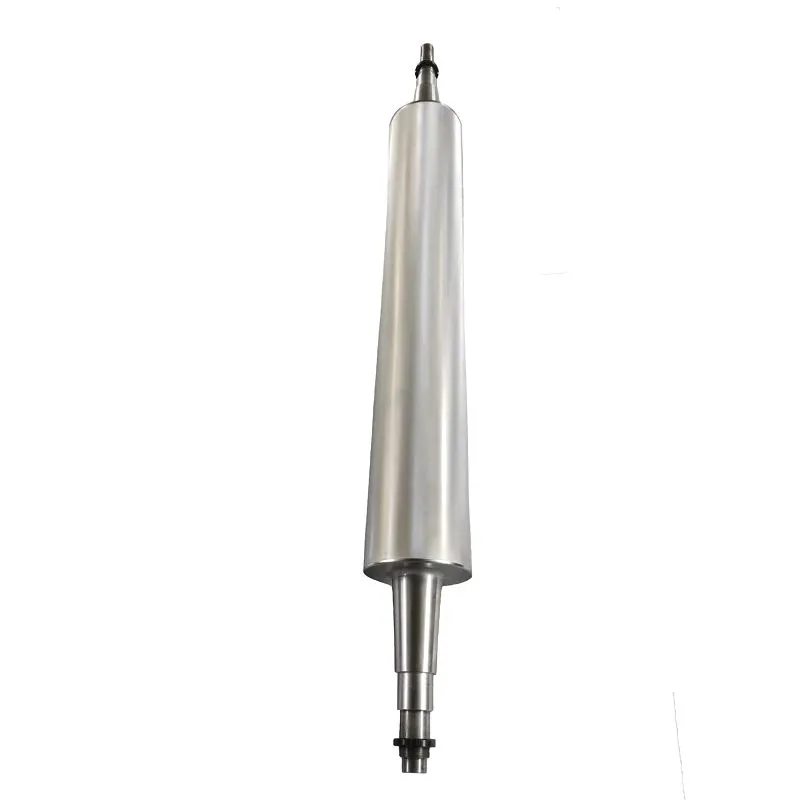
Alright, folks! As a supplier of chrome anilox rollers, I've seen my fair share of issues when it comes to printing. One of the most common problems that printers face is adjusting the pressure of the chrome anilox roller during the printing process. In this blog, I'm gonna share some tips and tricks on how to handle this like a pro.
Why Pressure Adjustment Matters
First off, let's talk about why getting the pressure of the chrome anilox roller right is so crucial. The pressure directly affects how much ink or coating is transferred from the anilox roller to the printing plate or the substrate. If the pressure is too low, you might end up with uneven ink distribution, which means patchy prints. On the other hand, if the pressure is too high, it can cause excessive wear and tear on both the anilox roller and the printing plate, not to mention that it can lead to over - inking and blurry images.
Tools You'll Need
Before you start adjusting the pressure, make sure you have the right tools. You'll need a pressure gauge to measure the pressure accurately. A feeler gauge can also come in handy to check the gap between the anilox roller and other components. And of course, a set of wrenches or other adjustment tools specific to your printing press.
Step - by - Step Pressure Adjustment
1. Initial Inspection
Start by inspecting the chrome anilox roller. Look for any signs of damage, such as scratches or dents. A damaged roller can cause inconsistent pressure distribution, so it's important to address any issues before you start adjusting the pressure. Also, check the alignment of the roller. If it's not properly aligned, it can lead to uneven pressure across the width of the roller.
2. Set the Initial Pressure
Refer to the manufacturer's guidelines for your printing press to set the initial pressure. This is usually a good starting point. Make sure the pressure is evenly distributed across the length of the roller. You can use the pressure gauge to verify this.
3. Conduct a Test Print
Once you've set the initial pressure, run a test print. Examine the print closely to see if there are any issues with ink coverage or quality. If the print looks patchy or the colors are not vibrant enough, it could mean that the pressure is too low. If the print is blurry or there's too much ink on the substrate, the pressure might be too high.
4. Make Incremental Adjustments
Based on the results of the test print, start making small adjustments to the pressure. Only change the pressure in small increments, like 0.1 - 0.2 psi at a time. After each adjustment, run another test print and evaluate the results. Keep repeating this process until you achieve the desired print quality.
5. Check for Roller - to - Roller Interaction
If your printing press has multiple anilox rollers or other rollers that interact with the chrome anilox roller, make sure the pressure between them is also properly adjusted. An imbalance in the pressure between rollers can cause additional printing problems.
Different Types of Chrome Anilox Rollers and Pressure Adjustment
There are different types of chrome anilox rollers available in the market, and the pressure adjustment might vary slightly depending on the type. For example, Electronic Engraving Anilox Roller is known for its high - precision engraving. These rollers usually require a more precise pressure adjustment to ensure that the engraved cells can transfer the ink accurately.
Laminating Chrome Anilox Roller is used in the laminating process. The pressure adjustment for these rollers often needs to be optimized to get the right amount of adhesive or coating onto the substrate for a good lamination bond.
Coating Chrome Anilox Roller is used for applying various coatings. Adjusting the pressure correctly is essential to achieve a uniform coating thickness across the surface of the substrate.
Tips for Long - Term Pressure Management
- Regular Maintenance: Keep your chrome anilox rollers clean and well - maintained. A dirty roller can cause uneven pressure and affect print quality. Use the appropriate cleaning methods and products recommended by the manufacturer.
- Monitor Usage: Keep track of how often you use the rollers and how long they've been in service. Over time, the surface of the roller may wear out, which can affect the pressure distribution. Replace the rollers when necessary.
- Record Pressure Settings: Keep a record of the pressure settings that work best for different types of jobs and substrates. This will save you time and effort when setting up future print runs.
Wrapping It Up and Calling for Action
Adjusting the pressure of the chrome anilox roller during printing is a skill that takes time and practice to master. But by following these steps and tips, you'll be well on your way to getting high - quality prints consistently.
If you're in the market for a new chrome anilox roller or have any questions about pressure adjustment or other aspects of using these rollers, I'd love to hear from you. Contact us to discuss your requirements, and we'll work together to find the best solution for your printing needs.
References
- Printing Industry Handbook: A comprehensive guide on various printing processes and equipment.
- Manufacturer's documentation for different models of printing presses and chrome anilox rollers.